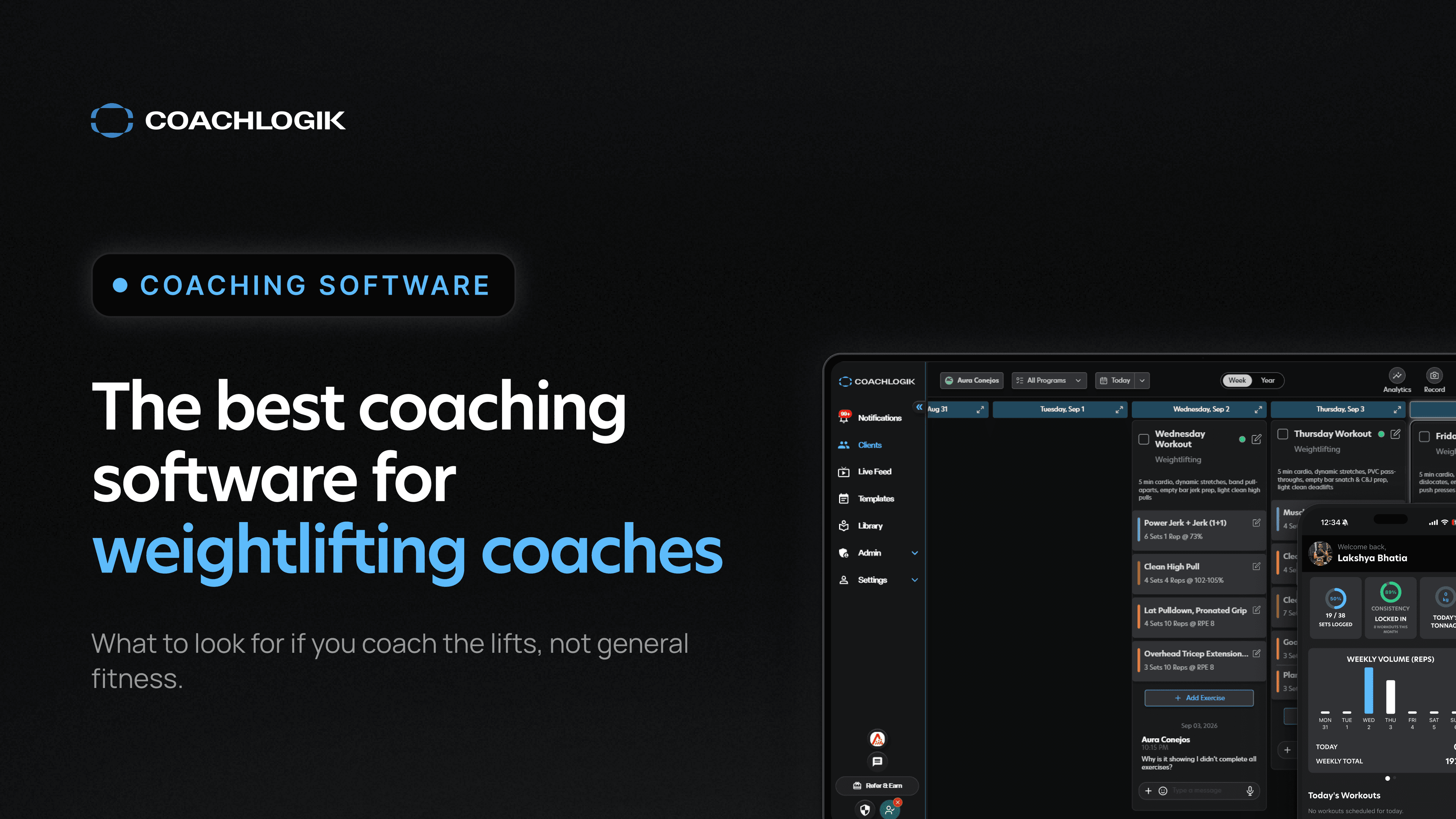
The best coaching software for weightlifting coaches (2026)
Weightlifting coaching software needs to satisfy five major points to be effective. Weightlifting-specific programming, meaning you can build and track complexes correctly. Accurate record keeping, so the data is tracked correctly. E1RMs are not common in weightlifting, but average weight, average relative intensity, volume by movement group, and the distribution of volume across intensities are all valuable to a weightlifting coach. Video feedback with markup, which is a must, because you have to be able to communicate with your voice and with visual aids. Long term planning, so you can lay out programming and put competitions and key events on a calendar. And templates, so a saved program can be refined and reassigned to multiple athletes.
I evaluate software on whether it solves one of two problems, and ideally both at the same time. The first is whether it makes my job faster and easier. Can I write programming quicker, can I access data faster, can I get the right answer sooner, so I can deliver great coaching with less effort. The second is whether it augments my ability to do a great job. Does it help me connect more deeply with my athletes, and does it give me insights I can actually act on. The best software does both at once, by creating features that take tedium out of the workflow so coaches can put that time and effort back into coaching.
What makes coaching software actually built for weightlifting
Those five points are concrete, and you can check every one of them before you buy.
What to evaluate when choosing weightlifting coaching software
Does it support real percentage and complex-based programming?
The thing to check is how accurately the app tracks data inside the training block. Is it counting the reps and volume of each movement, or is it lumping data together in the case of complexes? Ideally the data is very clean, and it is easy to correct when there is an erroneous entry from a fat fingered mistake.
The reason this is important is that building programs means referencing previous data. Our data becomes the foundation of all future decisions. If that data is not well curated or not accurate, it throws off our ability to make good decisions, because we do not know what is actually happening.
This is one of the five tests every strength coach should run before committing to a platform.
Does it give you technique feedback, not just data?
In a world of details, context is king.
Keeping accurate logs of training, with videos attached to the specific set, and the corrections, the chat, and the technique cues attached to that same set, for all sets, is the cornerstone of a good training log.
If I want to reference a lift from two months ago, I should be able to see the whole context of that set. What happened on the videos before and after it. What the prescription for that workout was. What the video looked like. And more importantly, what conversation was had about that set.
Where CoachLogik fits for weightlifting coaches specifically
Programming built around percentages, complexes, and anchor lifts
Not everyone programs the same way, so it is critical to be able to prescribe training to an athlete with the right intent.
Anchor movements are a big part of that. This is the ability to anchor a lift to a 1RM from a different movement. When you are programming the snatch or the clean, it makes sense to use your best snatch or clean. But when you are programming variations, you may want to apply a different max as the reference. A power clean or a power snatch keyed to the right max captures the load prescription you are actually after.
It is even more evident with complexes. Being able to write and prescribe complexes is what lets a coach deliver the kind of detail needed to develop technique. The app needs to allow customization of any complex, and it needs to track the volume of those movements independently, so you can accurately identify where the training is headed.
An AI coach that understands weightlifting programming
Copilot is a tool that lets a coach take their own intelligence and put it into the app. You describe the kind of program you want, the week adjustments you want, the training loads, the volumes, and the exercise selections, and Copilot executes on that. You tell it what you want, it types the whole thing out for you.
That is the best use of AI in my opinion, because it keeps the coach involved in the process and means you are not relying on external sources of information to create and deliver training for your athletes. What it removes is the time constraint of writing ten or twelve weeks by hand. You write the prompt, send the program, and you are done, and that time goes back into actually coaching and connecting with your athletes.
The second major use is understanding the data inside the program. An AI-native app is always going to be better suited to letting data flow out of the app and back to the coach, which takes away the difficulty of searching for particular things. Getting insights out of your own data is where I think this goes next.
More on where we drew the line in how we built Copilot to stay out of your coaching decisions.
Video annotation built for catching technical faults
Video annotation is built entirely around communicating detailed technical advice through markup tools, slow motion controls, frame by frame controls, and the ability to record a voiceover. Overlaying your own voice with a visual of yourself and clearly annotated technical advice will surpass almost any other type of form feedback outside of in-person coaching.
Having to download a video from an app or a messenger, upload it to a second app, annotate it, and then send it back to the athlete is cumbersome. It prevents any real amount of video coaching from happening, because the process is so high friction. That is why annotation is integrated into every video uploaded in the training, so coaches can deliver that feedback quickly and with very little effort.
Long term planning and templates that stay reusable
The two requirements above are the ones that get skipped over most often, and they are just as load-bearing as programming and video.
Long term planning means the calendar shows the whole block, not just this week, with competitions and key events marked on it so a coach can see how far out the next meet actually is while building the current cycle. Without that view, peaking becomes guesswork instead of a plan you can point to.
Templates mean a block you have already built does not disappear the moment one athlete finishes it. Save it, refine it for the next lifter's numbers, and assign it again. A coach who writes for more than a handful of athletes cannot rebuild every program from scratch and still have time left over for actual coaching.
Practical takeaway: who this software is actually for
This software is for a particular type of coach. The kind who wants to keep growing as a coach, improve their skills, grow the roster of athletes they work with, and potentially coach people at a higher level. The detail in the data collection, the insights from Copilot, and the speed of writing programming all point at the same outcome, which is coaching more athletes well.
It is really for the coach working with athletes they want to see succeed. That could be a high level competitive athlete trying to qualify for nationals, or a masters athlete trying to make their next personal record. The intent is the same either way.
Outside of being a strong tool for remote coaches, this is built for creating weightlifting programming and delivering it to athletes. In gym, in person coaches rely on it extensively too, because it lets you track the data of the training, keep a record of the programming you are doing, and analyze the results of an athlete's program over time.
Anyone who is writing training programming for weightlifters is going to benefit from this kind of software. That is the type of coach who uses it.
This is not the right fit for a coach whose whole roster is general population clients on identical templates with no interest in percentages, complexes, or technical detail. That is a real coaching model, it is just a different job, and it does not need this level of specificity to do it well.
Weightlifting programming has its own math. Software that doesn't understand percentages, complexes, and anchor lifts is making you do that math by hand. CoachLogik doesn't.
Frequently asked questions
What is the best coaching software for weightlifting coaches?
Does CoachLogik support percentage-based weightlifting programming?
Is there an app built specifically for weightlifting coaches, not general fitness?
How much does weightlifting coaching software cost?
Start your free trial and build your first weightlifting block in Copilot today.
Start Free Trial →About the author
Max Aita is the co-founder of CoachLogik and has spent his career coaching weightlifting and strength athletes at the highest levels. He built CoachLogik to be the weightlifting coaching software he always wished he had.